Instagram Downloader

Save Reels, videos, photos, and carousels from public Instagram posts directly to your phone, tablet, or computer.

Free · No account needed · Compatible with iPhone, Android & PC

Download Instagram Reels, Videos, and Photos Online

SnapVideo is a fast, web-based tool designed to save public Instagram media directly to your phone, tablet, or desktop. It lets you download Reels, feed videos, single photos, and multi-slide carousels with a simple link, with support for public Stories and Highlights when accessible.

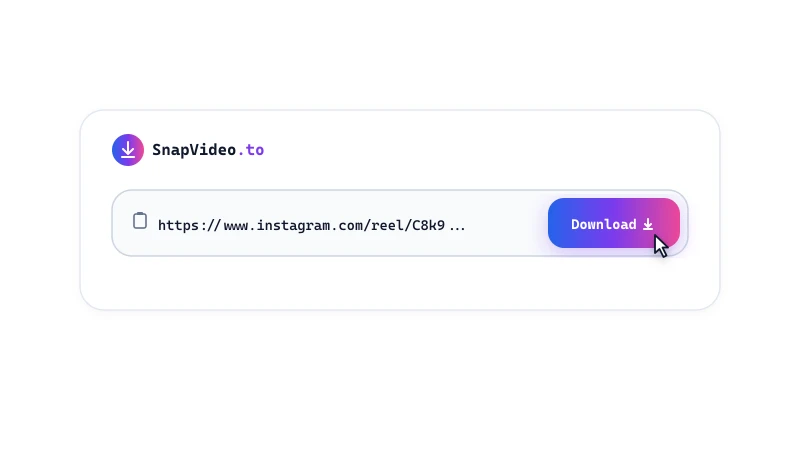
There are no apps to install and no account logins required. Paste a single public URL into the search box above, or use batch mode to process up to five links at once.
SnapVideo.to illustration: saving photos and videos from a phone.

How to Download from Instagram

Save any public Instagram video or photo to your device in three simple steps:
Copy the link
1

Copy the link

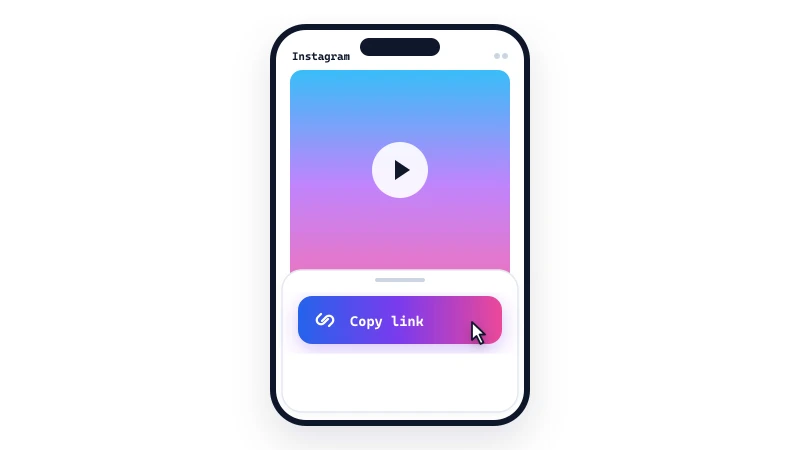
Open Instagram on your phone or computer, find the post, Reel, or Story you want to save, tap the Share icon, and select 'Copy link'.
Paste the URL
2

Paste the URL

Open SnapVideo in your browser, paste the copied link into the input field above, and click Download.
Save your file
3

Save your file

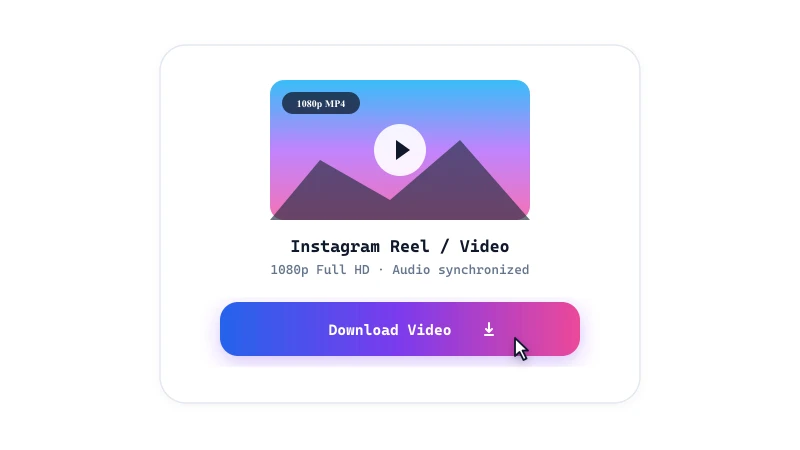
Preview the media card and click 'Download video', 'Download image', or 'Download ZIP' for carousels to save the file directly to your device.

Supported Instagram Media Formats

  • Instagram Reels: Save vertical Reels in MP4 format with synchronized original sound and without added watermarks.
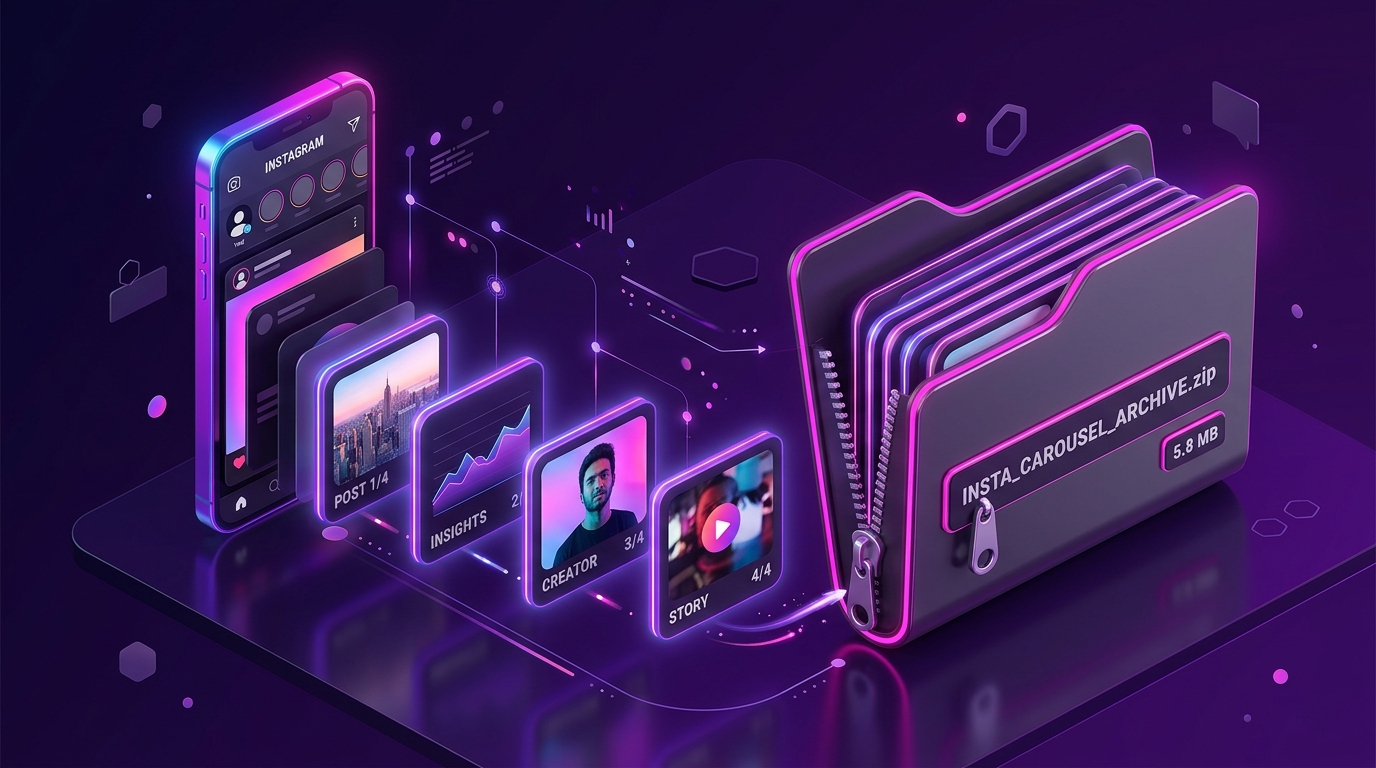
  • Photos and Carousels: Download single images or complete multi-slide carousel albums in the highest available resolution, with 1-click ZIP export.
  • Feed Videos: Download standard feed posts and longer video clips in universal MP4 format ready for offline playback.
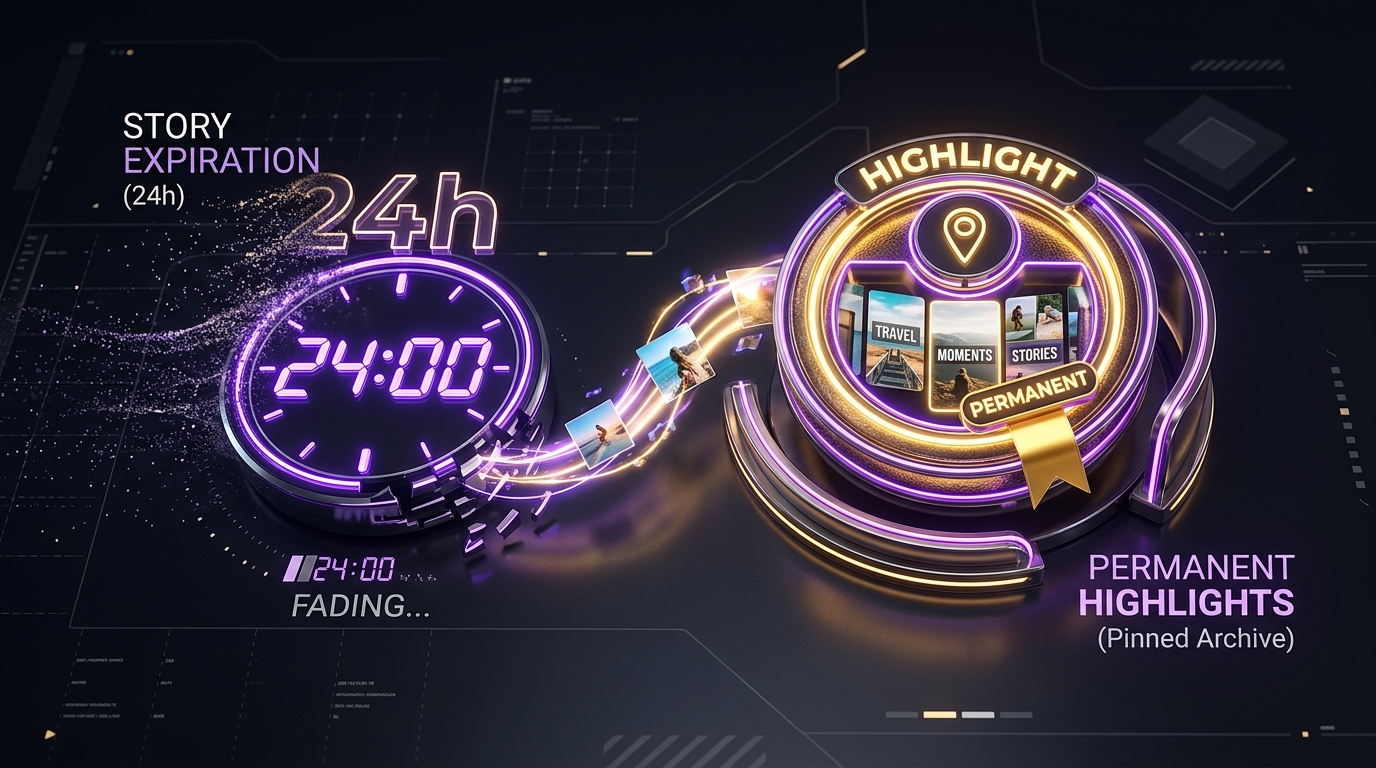
  • Stories and Highlights: Save active Stories and permanent Highlights from public profiles when available before they expire.
  • Profile Pictures: View and download high-resolution avatar photos from public Instagram accounts at their original upload dimensions.
  • Batch Downloads: Paste up to five Instagram links at once to queue and process multiple posts in a single session.

Frequently Asked Questions

Is SnapVideo free to use?

Yes, SnapVideo is free to use, with no subscription or account required.

Can I download from a private Instagram account?

No. SnapVideo only works with publicly viewable posts. If an account is private, only its approved followers can see the content, and we can't access it.

Where are downloaded files stored on my device?

Files are saved directly to your browser's default downloads location. On Android, check the Downloads folder or Gallery app. On iPhone and iPad, files save to the Safari Downloads section in the Files app. On desktop computers, files appear in your system Downloads directory.

Why does a link fail to download?

Downloads typically fail if the post is from a private account, has been deleted, is restricted by age or region, or is a Story that has expired after 24 hours. Confirm that the post opens in a private or incognito browser tab without logging in before trying again.

What quality are downloaded videos and photos?

SnapVideo delivers the highest quality that Instagram provides for the post. Videos are saved as MP4 (up to 1080p where available) with original audio, and photos in the best JPEG resolution available.

Can I save an entire carousel post at once?

Yes, multi-slide carousel posts can be downloaded individually or as a package. SnapVideo displays each image card and provides a 'Download ZIP' button to bundle up to 20 photos into a single archive.

Does Instagram notify the creator when I download a post?

Instagram doesn't send a download notification for public posts, and SnapVideo doesn't connect to your Instagram account. Privacy settings and features can change, so we can't guarantee how the platform tracks activity.

Is it legal to download Instagram videos and photos?

It depends on how you use them. Saving public content for personal, offline viewing is generally low-risk, but laws and Instagram's terms vary by country. The rights belong to the creator, so don't redistribute, re-upload, or use downloaded media commercially without permission.

Instagram download guides